Gaming PC accessories to finish your setup: gaming monitors, keyboards, mice, mousepads, peripheral bundles, controllers, streaming kits and PC care. Accessories ship Royal Mail Tracked 48 for £3.99, free over £50 – and free with any gaming PC, bundle or monitor.
-
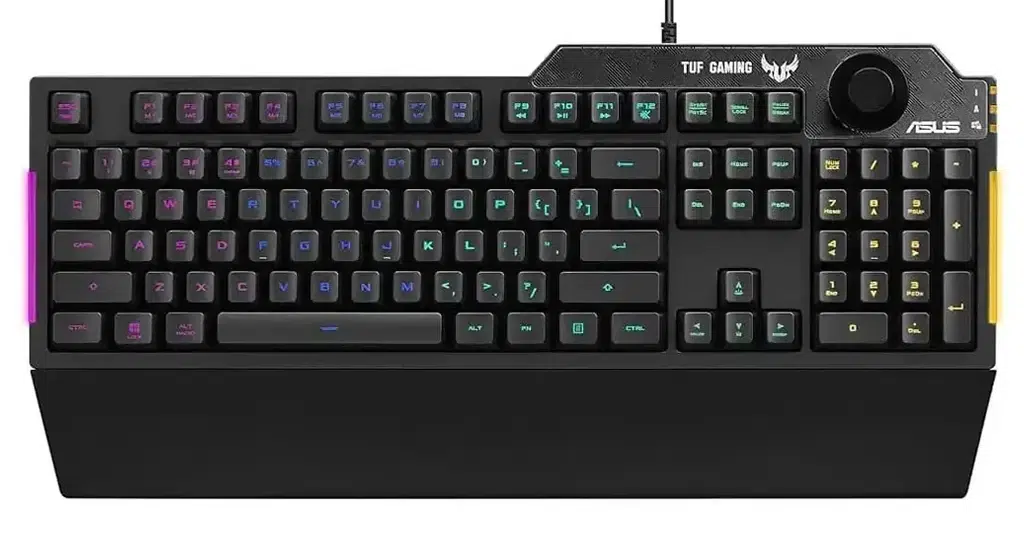
ASUS TUF K1 Gaming Keyboard
The ASUS TUF K1 Gaming Keyboard delivers responsive and reliable performance with tactile TUF…
£45 -
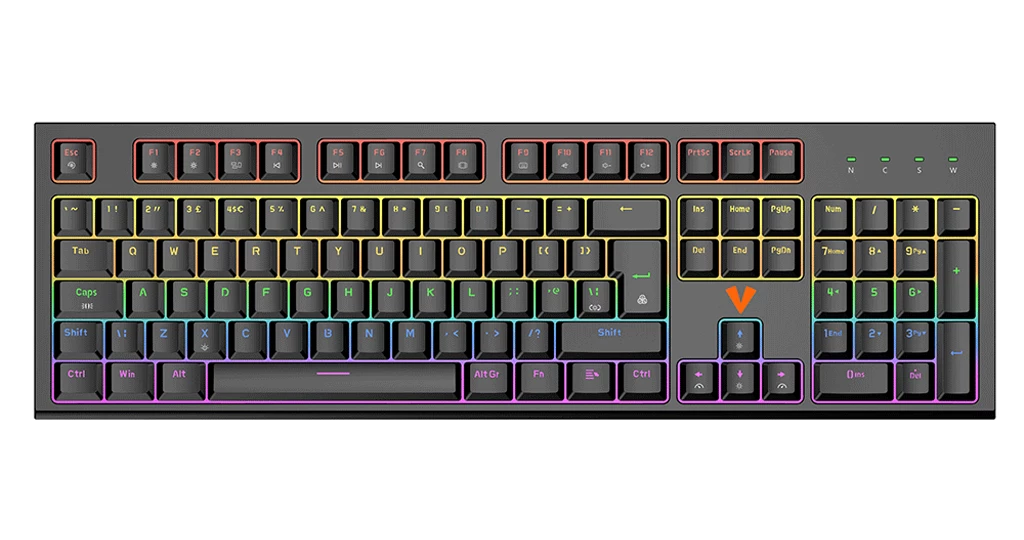
Magna Magnetic Mechanical keyboard
The Vida Magna RGB Gaming Keyboard delivers fast, responsive performance with Otemu White Magnetic…
£49 -
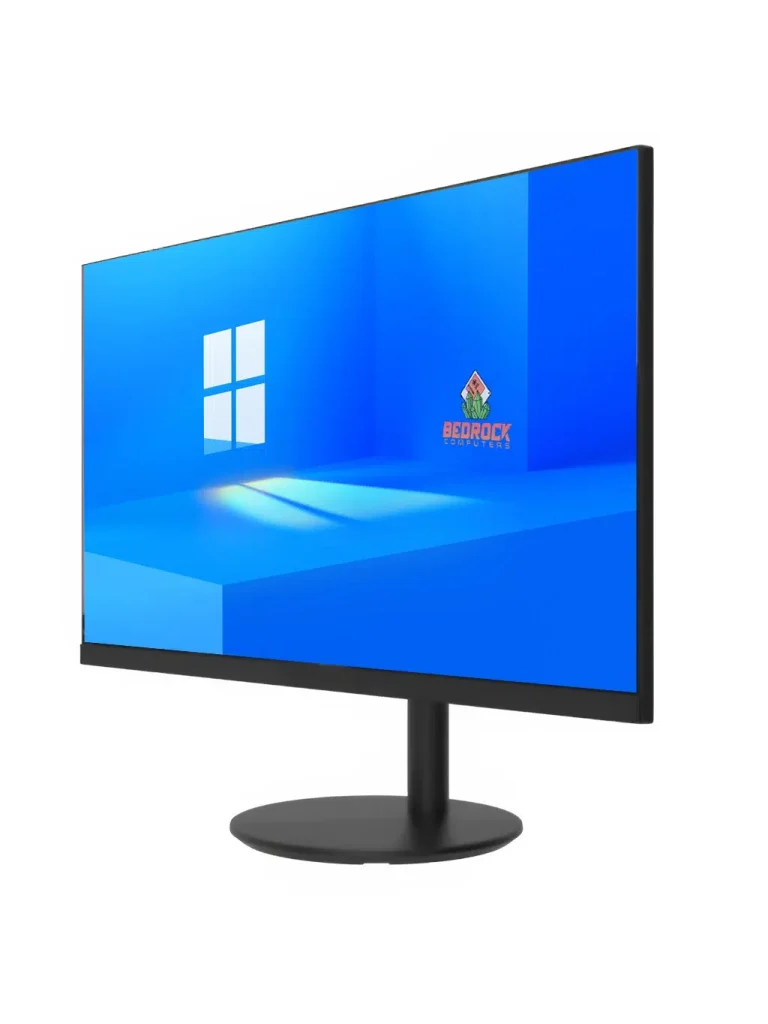
Dahua 22″ 100Hz Monitor
Take your setup up a level with the Dahua 22″ Full HD Monitor, built…
£75 -
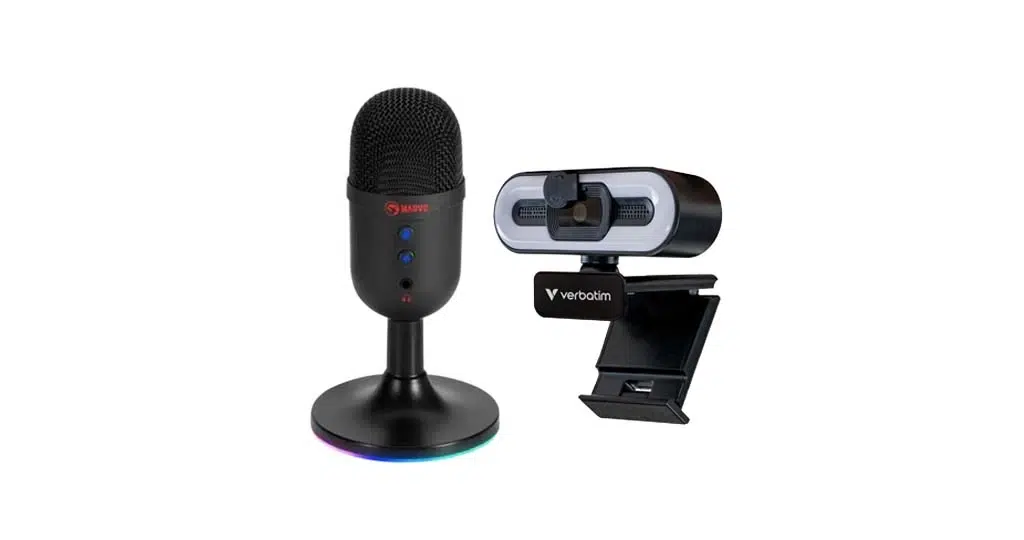
1080p Streaming Bundle
Everything you need to start streaming with confidence. Our 1080p Streaming Bundle combines a…
£80 -
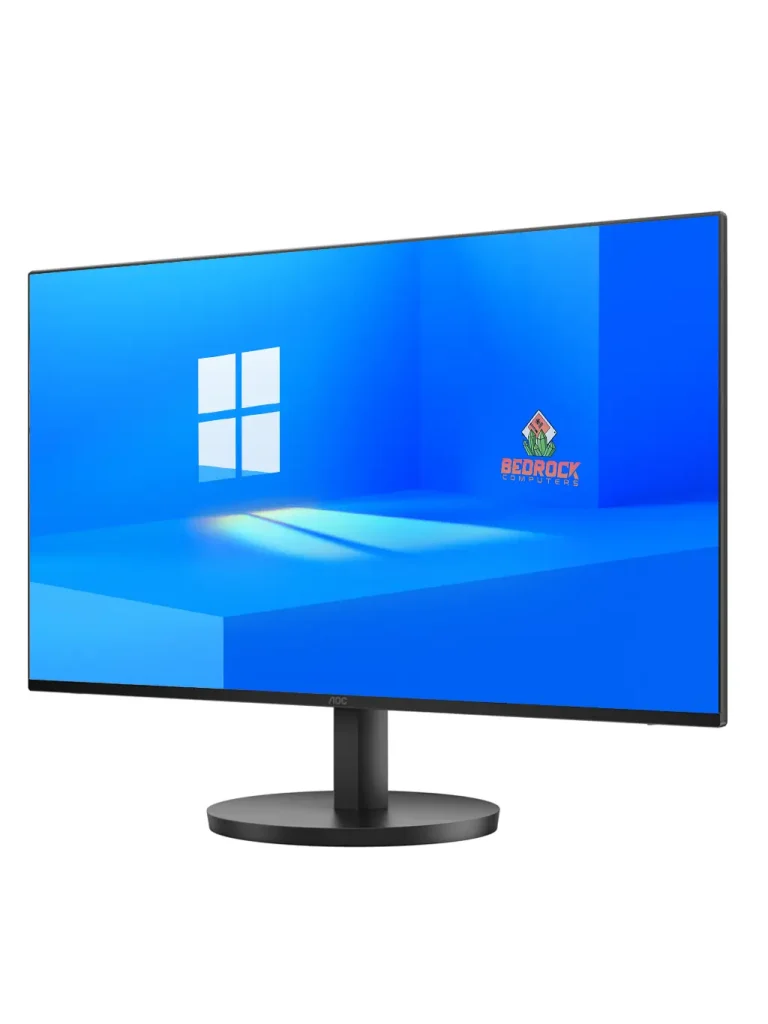
AOC 24″ 100Hz Gaming Monitor
The AOC 24″ FHD Gaming Monitor delivers a high-performance experience with a 1920 x…
£99 -
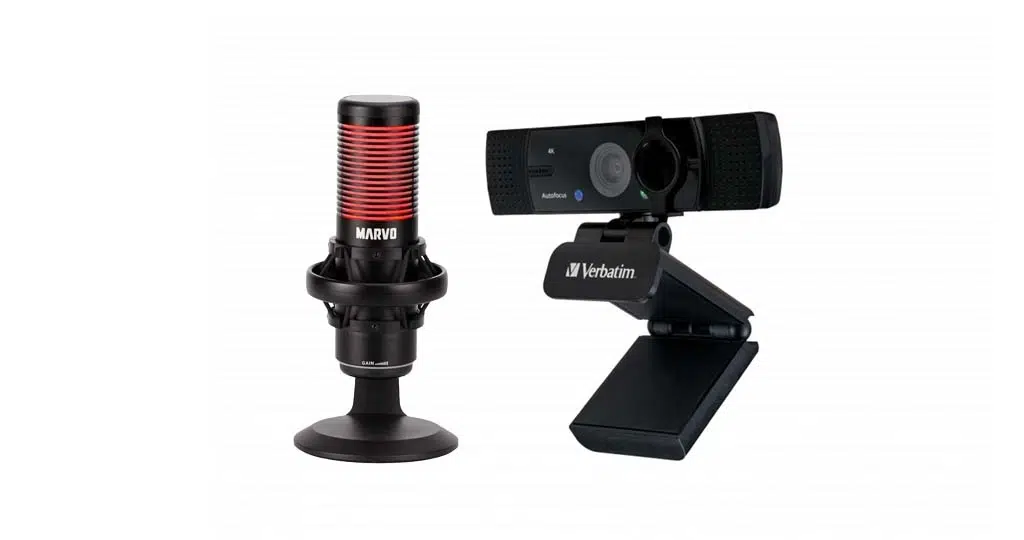
4K Streaming Bundle
Take your content to the next level with our 4K Streaming Bundle. Featuring an…
£100 -
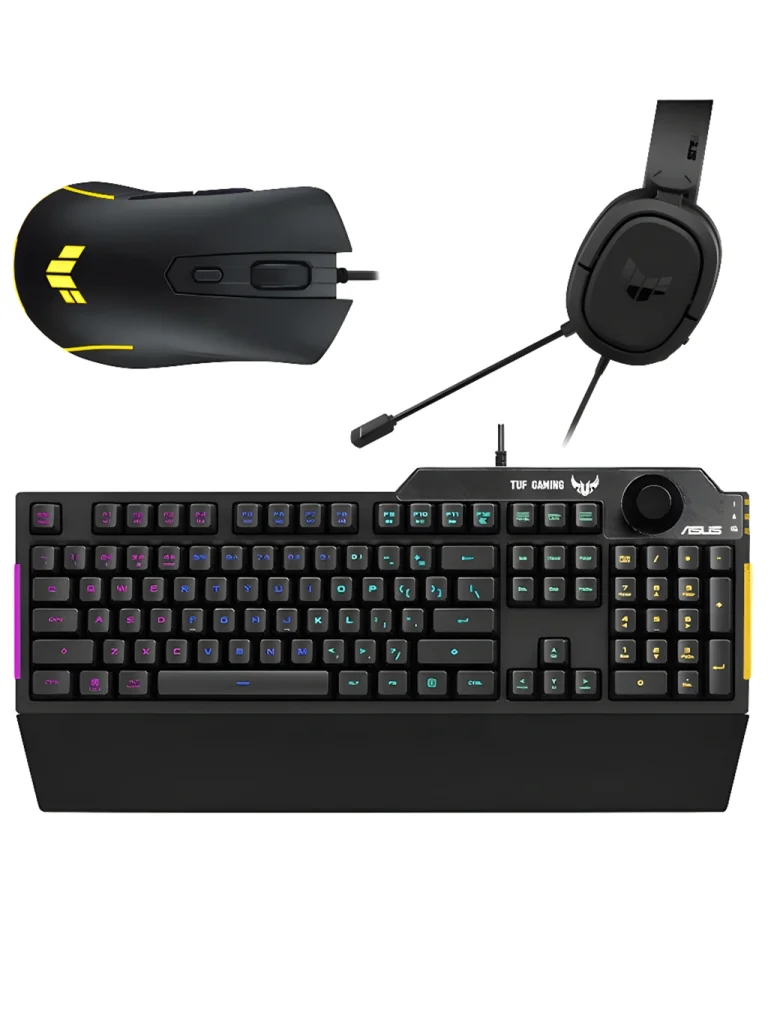
ASUS TUF Peripherals Bundle
The ASUS TUF Peripherals Bundle includes three top-tier gaming essentials designed to deliver precision,…
£100 -
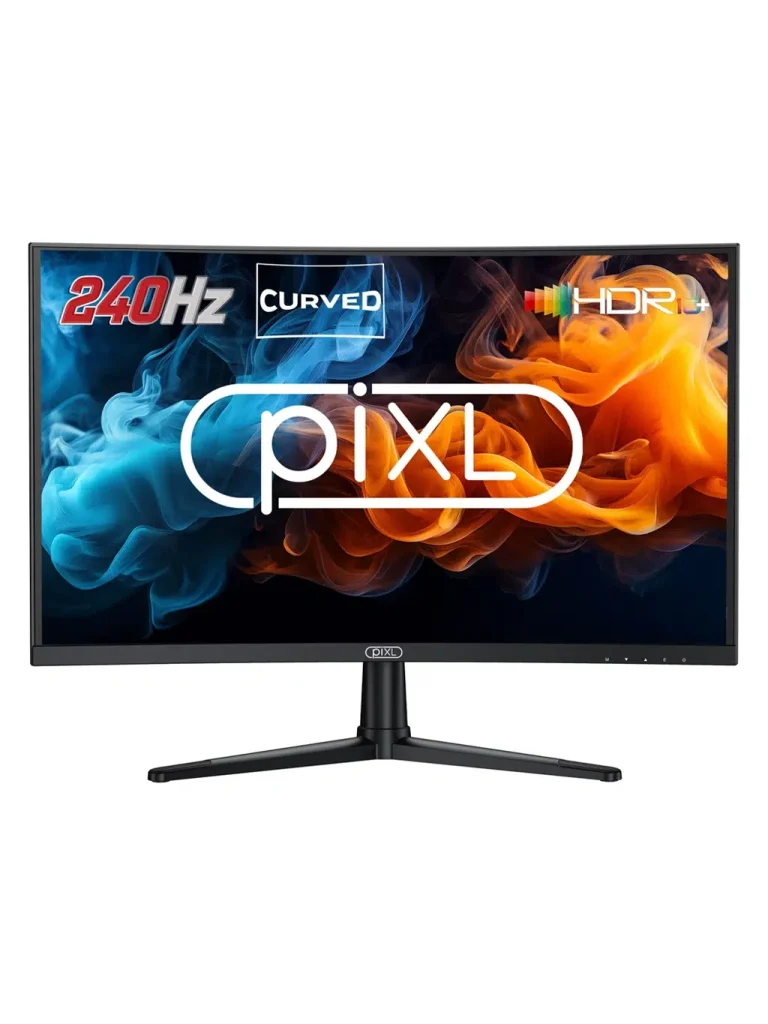
piXL 27″ 240Hz Curved Gaming Monitor
The piXL 27″ 240HHz Curved Gaming Monitor is designed for players who want fast,…
£149 -
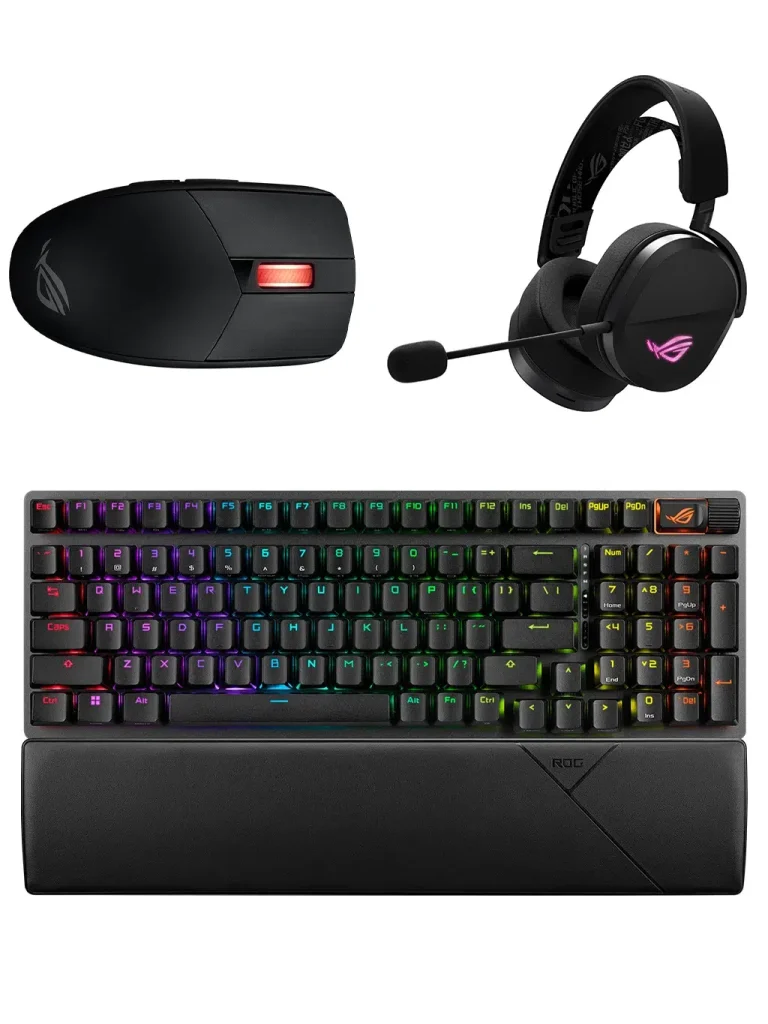
ASUS ROG Peripherals Bundle
The ASUS ROG Premium Peripherals Bundle brings together three flagship-grade devices engineered for players…
£300
Choosing gaming PC accessories
Your PC does the work, but your accessories are what you see, hear and touch every time you play. The right gaming PC accessories make a real difference: the right monitor shows off what your graphics card can do, a good mouse and keyboard make you more accurate and comfortable, and a decent headset helps you hear footsteps and talk to friends clearly.
This guide to gaming PC accessories walks through every type we sell, what to look for in each, and which models suit which setups. Prices below were correct at the time of writing; the grid above always shows the latest prices.
Gaming monitors: the most important gaming PC accessory
A monitor is the most important gaming PC accessory, because it decides how much of your PC’s performance you actually see. Two numbers matter most: resolution, which is how sharp the picture is, and refresh rate, which is how many times per second the screen updates.
- Dahua 22″ 100Hz Monitor – £75. A compact 22-inch screen that’s ideal for smaller desks and first gaming PCs. At 100Hz it’s noticeably smoother than a basic 60Hz display.
- AOC 24″ 100Hz Gaming Monitor – £99. The classic 24-inch size most gamers prefer, with the same smooth 100Hz refresh rate.
- piXL 27″ 240Hz Curved Gaming Monitor – £149. A larger curved screen with a very fast 240Hz refresh rate for competitive shooters – pair it with a powerful graphics card to get the most from it.
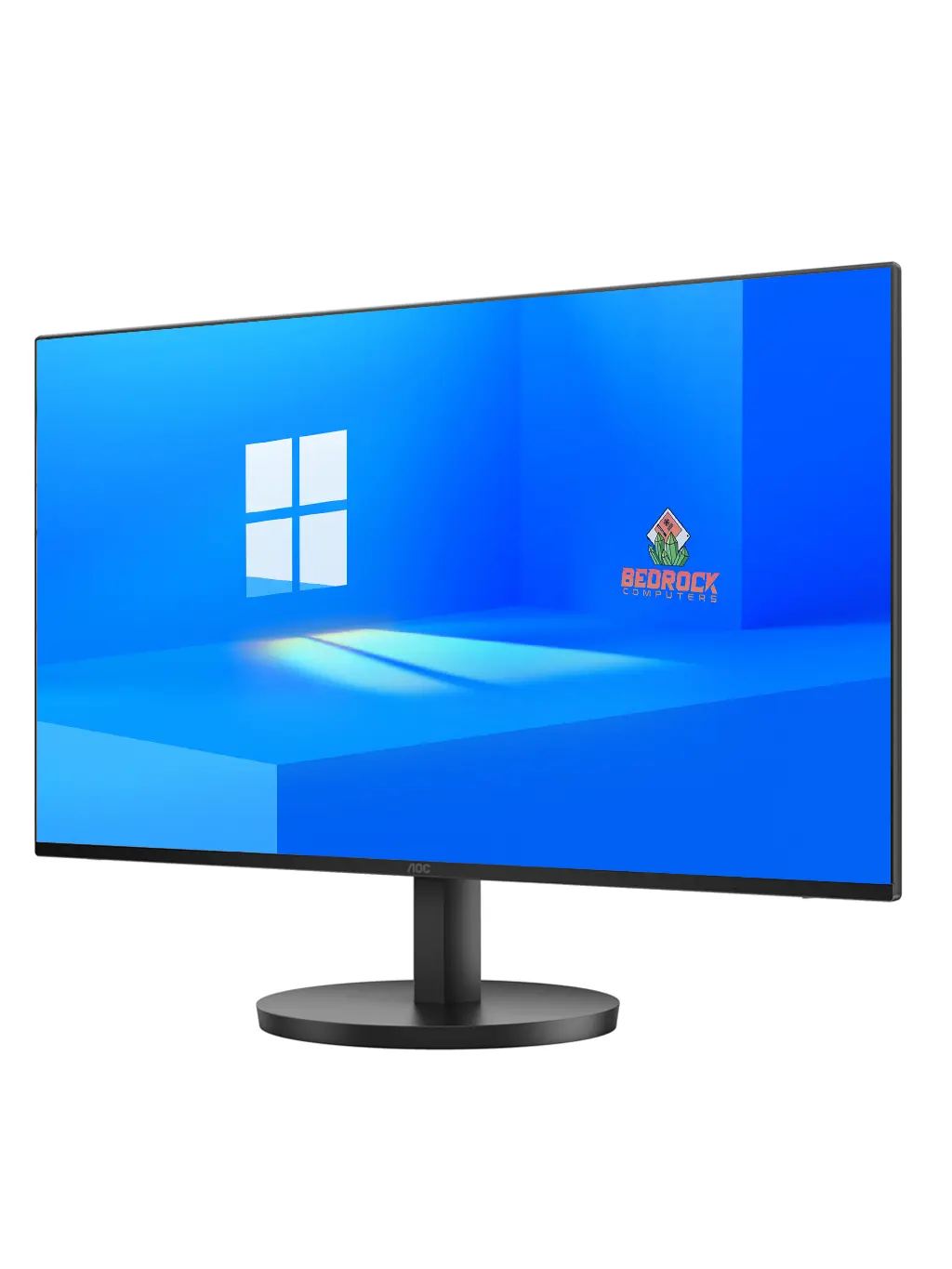
Monitors ship free with tracked Parcelforce delivery, just like our PCs. If you’re buying a monitor with a PC, connect it to the graphics card rather than the motherboard, and set the refresh rate to its maximum in Windows display settings.
Which monitor suits which PC?
As a rule of thumb, an entry-level gaming PC is happiest at 1080p and 100Hz, while a mid-range or high-end machine can drive higher refresh rates. If you mainly play esports games such as Valorant or Counter-Strike 2, a high refresh rate helps more than extra resolution.
Gaming keyboards
From a simple wired keyboard for homework to a mechanical keyboard built for fast games, we stock four options:
- Standard USB Keyboard – £7. A no-frills, full-size wired keyboard for everyday use or a spare.
- CiT Builder RGB Gaming Keyboard – £19. An affordable gaming keyboard with RGB lighting.
- ASUS TUF K1 Gaming Keyboard – £45. A gaming keyboard from ASUS’s TUF Gaming range.
- Magna Magnetic Mechanical Keyboard – £49. A mechanical keyboard using magnetic switches.
What to look for: a comfortable layout, keys that feel good to you, and lighting if you play in the evening. Mechanical and magnetic switches give a crisper, more consistent key press than standard membrane keys, which many gamers prefer for fast games.
Gaming mice
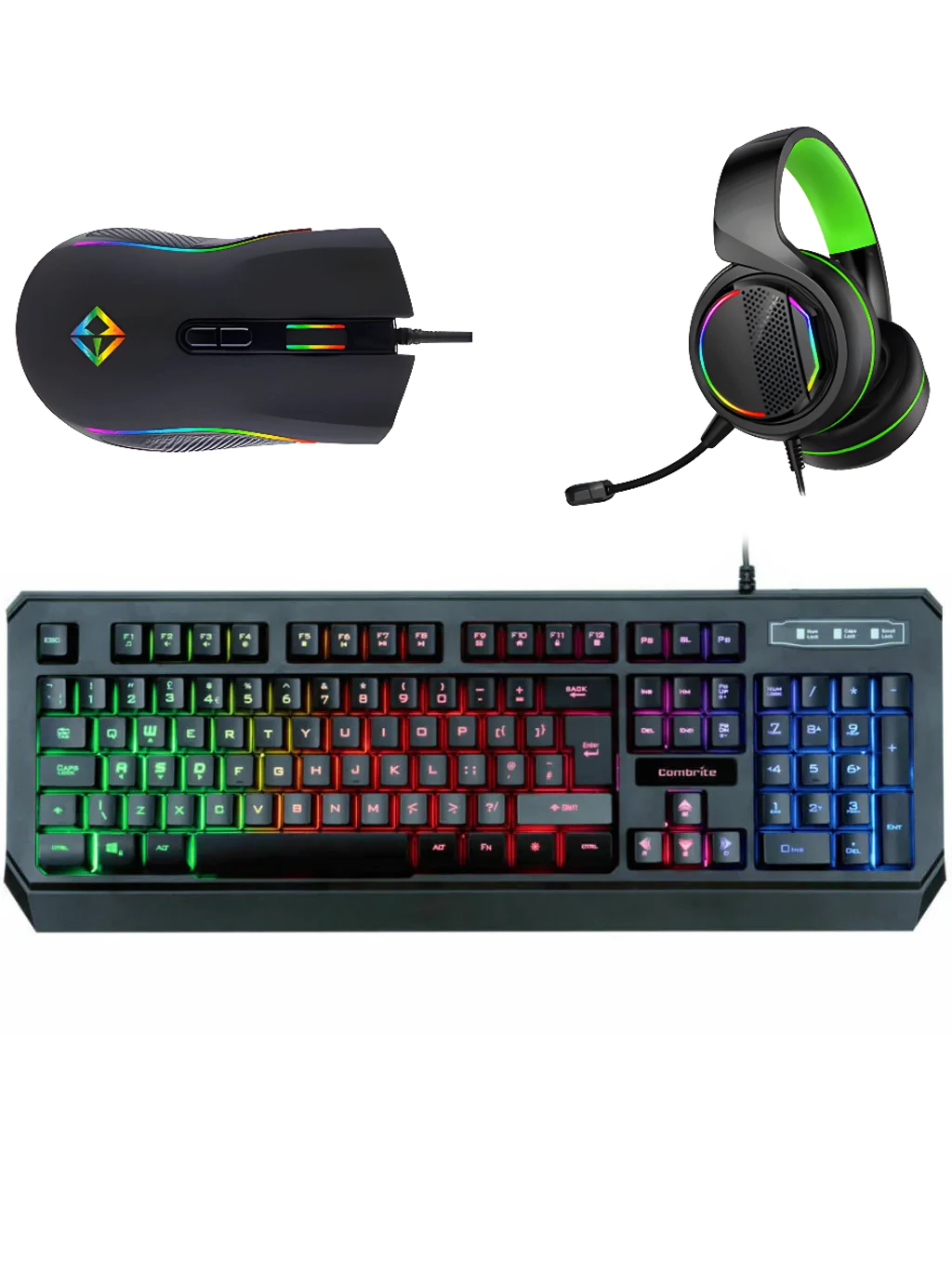
- Combrite Gaming Mouse – £15. A low-cost gaming mouse that’s a big step up from a basic office mouse.
- GameMax Razor Gaming Mouse – £17. An affordable gaming mouse with a gaming-focused design.
- ASUS TUF M3 Gaming Mouse – £23. A gaming mouse from the ASUS TUF Gaming range.
A gaming mouse usually adds a more accurate sensor, adjustable sensitivity and extra buttons you can map to in-game actions. Try to match the size to your hand and the way you grip – palm, claw or fingertip – for comfort in long sessions.
Gaming mousepads
- ASUS TUF P1 Gaming Mousepad – £15.
- Jedel RGB Gaming Mousepad – £18. With RGB lighting around the edge.
A proper gaming mousepad gives your mouse a consistent surface to track on, so your aim feels the same every time. A larger pad gives you room for low-sensitivity, arm-based aiming in shooters.
Peripheral bundles
If you need a keyboard, mouse and more all at once, a peripheral bundle is the easiest way to buy matching gaming PC accessories:
- CiT Raptor Peripherals Bundle – £35. Our lowest-cost bundle of essentials.
- Bedrock Peripherals Bundle – £45.
- ASUS TUF Peripherals Bundle – £100. Matching gear from the ASUS TUF Gaming range.
- ASUS ROG Peripherals Bundle – £300. Premium ASUS Republic of Gamers peripherals.
Each product page lists exactly what’s in the box. Remember that every gaming PC bundle already includes a keyboard, mouse, headset and mousepad, so you only need these if you’re buying a tower on its own or upgrading.
Wireless controllers
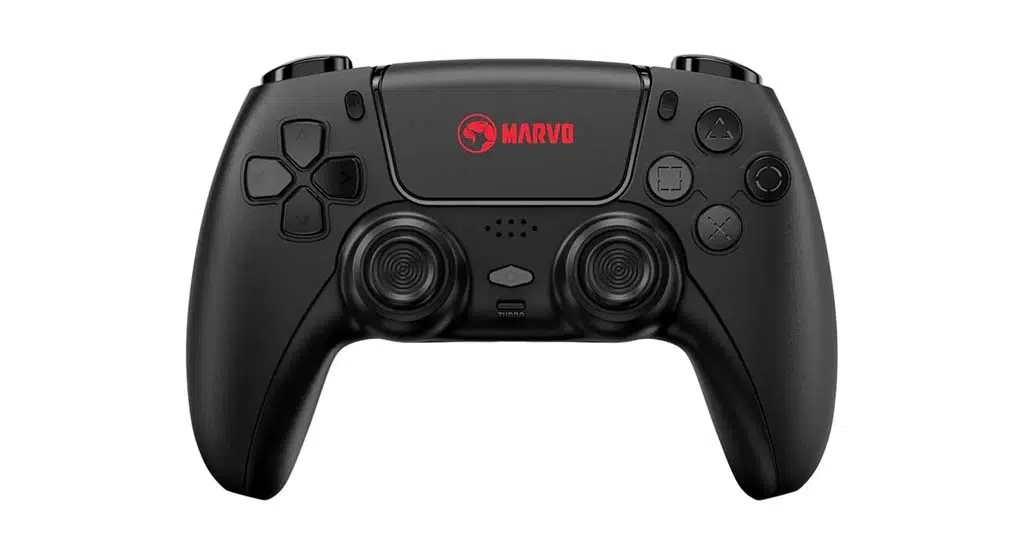
- Marvo Wireless Gaming Controller – £35.
- Marvo Pact 70 Wireless Gaming Controller – £35.
Controllers are popular gaming PC accessories because plenty of PC games play better on a pad – racing games, platformers, sports games and many action adventures. A wireless controller lets you sit back from the desk, or play on a TV connected to your PC. Most modern PC games detect controllers automatically, and Steam includes settings to customise buttons for each game.
Streaming bundles
- 1080p Streaming Bundle – £80. A Full HD webcam paired with a USB microphone.
- 4K Streaming Bundle – £100. A 4K webcam paired with a premium USB microphone.
Both bundles are designed for Twitch, YouTube, Discord and video calls. A dedicated USB microphone sounds far clearer than a headset mic or a laptop’s built-in microphone, and a good webcam makes facecam streams and calls look sharp. If you’re streaming games, a PC with a modern multi-core processor and an NVIDIA RTX graphics card – which has a dedicated video encoder – makes the job much easier.
PC care
Our electronics cleaning kit (£19) is ideal for screens, keyboards and the outside of your PC. Dust the case vents every few months, keep the PC off thick carpet, and give it space so air can flow freely – a clean PC runs cooler and quieter.
Gaming PC accessories by budget
Not sure which gaming PC accessories to buy together? Here are some sensible combinations:
- Under £50: the essentials. The CiT Raptor Peripherals Bundle (£35) and an ASUS TUF P1 mousepad (£15) cover the essentials for a new setup.
- Around £100: a proper upgrade. The AOC 24″ 100Hz monitor (£99) is the single biggest improvement for most first setups.
- Around £150: competitive play. The piXL 27″ 240Hz curved monitor (£149) for high frame rate shooters, if your PC can push the frames.
- For creators. The 4K Streaming Bundle (£100) plus the Magna Magnetic Mechanical Keyboard (£49).
Spending over £50 on gaming PC accessories means free tracked delivery – and accessories ordered with any PC, bundle or monitor always ship free.
Which gaming PC accessory should you upgrade first?
If you’re improving an existing setup, upgrade in this order for the biggest difference per pound:
- Monitor. Moving from a 60Hz screen to 100Hz or more makes every game feel smoother.
- Mouse. A gaming mouse with a better sensor improves aim straight away.
- Mousepad. Cheap, but it makes your mouse more consistent.
- Keyboard. A mechanical or magnetic keyboard feels crisper and more responsive.
- Microphone and webcam. Essential if you stream or spend a lot of time in voice chat.
Will these accessories work with my PC?
Our gaming PC accessories – keyboards, mice and streaming kits – connect by USB, so they work with any modern Windows PC, including every gaming PC we sell. Monitors connect with HDMI or DisplayPort – check the product page for the cables supplied and make sure your graphics card has a matching socket. Our wireless controllers are made for PC use; follow the pairing instructions in the box.
If you’re unsure whether an accessory suits your setup, email sales@bundlerigs.co.uk with your PC model and we’ll check for you.
Setting up your new accessories
Monitor
Connect it to the graphics card, not the motherboard. Then open Windows display settings, choose the monitor’s native resolution, and set the refresh rate to its maximum – 100Hz or 240Hz depending on the model.
Mouse and keyboard
Plug them into USB ports on the back of the PC for the most stable connection. Adjust mouse sensitivity in Windows and in each game until aiming feels natural.
Microphone and webcam
In Windows sound settings, choose your USB microphone as the default input. In Discord, OBS or your streaming app, select the webcam and microphone, then do a quick test recording to check levels and lighting.
Cables and comfort
A few cable ties behind the desk keep things tidy and stop cables snagging. Position the monitor about an arm’s length away with the top at eye level, and keep your keyboard and mouse at elbow height to reduce strain in long sessions.
Delivery on gaming PC accessories
- UK mainland: Royal Mail Tracked 48, £3.99 – free over £50
- Highlands, Islands and Northern Ireland: tracked delivery, £5.99 – free over £50
- Monitors ship free with tracked Parcelforce delivery
- Ordering with a PC, bundle or monitor? The whole order ships free
See our delivery page for full details, and our returns page if something isn’t right. You have 14 days to cancel from delivery.
Gaming PC accessories as gifts
Gaming PC accessories make great presents because they’re easy to choose and useful every day. A mousepad or gaming mouse makes a good small gift, a mechanical keyboard or wireless controller suits a mid-range budget, and a new monitor or streaming bundle is a big upgrade for someone who already has a gaming PC.
Not sure which to pick? Peripheral bundles take the guesswork out, and every item can be returned within our 14-day returns window if it isn’t quite right.
Gaming PC accessories for kids and teens
For younger players, durable and simple gaming PC accessories work best. A wired keyboard and mouse never need charging, a mousepad protects the desk, and a headset with a microphone lets them chat with friends using the privacy settings in each game or app. If they enjoy racing or platform games, a Marvo wireless controller is a popular addition.
Pair any of these with a Microsoft family account on the PC to manage screen time and purchases.
Looking after your gaming PC accessories
- Wipe keyboards, mice and controllers regularly – our electronics cleaning kit is ideal.
- Clean monitor screens with a soft, dry microfibre cloth; avoid harsh sprays.
- Wash cloth mousepads gently by hand when they get grubby and let them dry fully.
- Unplug wireless controllers once fully charged and store cables loosely coiled.
Well-kept gaming PC accessories last for years and keep feeling like new.
Why buy gaming PC accessories from BundleRigs?
We sell complete gaming setups, so every accessory in our range is chosen to work well with the PCs and bundles we build. Delivery is tracked, accessories over £50 ship free, anything ordered with a PC ships free alongside it, and you have 14 days to change your mind. If you have a question, real people answer by email Monday to Saturday, 9am to 6pm.
Accessories for the games you play
- Competitive shooters (Valorant, Counter-Strike 2, Fortnite). Prioritise a high refresh rate monitor, an accurate gaming mouse and a large mousepad. A headset that lets you hear footsteps clearly is a real advantage.
- Racing games. A wireless controller is a big improvement over keyboard steering, and a larger curved monitor helps immersion.
- Strategy and MMOs (League of Legends, World of Warcraft). A mouse with extra buttons and a comfortable keyboard matter most, because you’ll use lots of shortcuts.
- Story-driven AAA games. A bigger, sharper monitor and a comfortable controller let you sit back and enjoy the visuals.
- Minecraft and Roblox. A reliable mouse and keyboard and a headset for chatting with friends are all most players need.
Building a complete setup around a tower
Bought a tower on its own? Here’s a simple shopping list of gaming PC accessories to finish the job:
- A monitor – the AOC 24″ 100Hz (£99) suits most entry-level and mid-range PCs
- A keyboard, mouse and mousepad – or a peripheral bundle to cover them in one go
- A headset or speakers, if your peripheral bundle doesn’t include them
- A surge-protected extension lead for the PC and monitor
Add them to the same order as your PC and they’ll ship free together. Or skip the shopping list entirely with a gaming PC bundle, which includes the monitor, keyboard, mouse, headset and mousepad.
Wired or wireless gaming PC accessories?
Both have their place. Wired gaming PC accessories never need charging, have no risk of interference and are usually cheaper, which is why most of our keyboards and mice are wired. Wireless accessories give you a tidier desk and more freedom to move – ideal for controllers, where sitting back from the screen is part of the appeal.
For competitive gaming, many players still prefer a wired mouse and keyboard for a consistent connection. For relaxed games on the sofa, a wireless controller is hard to beat. You can mix and match: a wired keyboard and mouse for the desk, plus a wireless pad for racing and platform games.
Matching accessories to your bundle
Already bought one of our gaming PC bundles? It came with a monitor, keyboard, mouse, headset and mousepad, so you’re ready to play. The most popular add-ons are a wireless controller for racing games, a streaming bundle for going live, and a second monitor for chat or guides while you play.
Shop gaming PC accessories with confidence
Every one of our gaming PC accessories is listed with its real price and a clear description, so you can compare like for like. Whether you need gaming PC accessories for a brand-new setup or a single upgrade for an existing desk, the grid at the top of this page shows the full range, sorted by price. And because gaming PC accessories ordered alongside a PC ship free, it’s worth adding them to the same order.
Gaming PC accessories FAQ
Do accessories ship free?
Yes when your accessory order is over £50, or when accessories are ordered with any gaming PC, bundle or monitor. Otherwise Royal Mail Tracked 48 is £3.99 on the UK mainland.
What’s the best monitor for a budget gaming PC?
The AOC 24″ 100Hz (£99) is a great match for most budget and mid-range PCs. For a smaller desk, the Dahua 22″ 100Hz (£75) is ideal.
Is a 240Hz monitor worth it?
If you play fast competitive shooters and your PC can produce high frame rates, yes – the piXL 27″ 240Hz curved monitor feels incredibly smooth. For slower-paced games, a 100Hz monitor is plenty.
Do I need a gaming mouse?
A gaming mouse’s more accurate sensor and adjustable sensitivity make a noticeable difference in shooters and strategy games, and even our £15 Combrite is a big step up from a basic office mouse.
What software do I need to stream?
Many streamers use the free OBS Studio with one of our streaming bundles. Twitch and YouTube also offer their own streaming tools.
Can I return an accessory?
Yes. You have 14 days to cancel from the day of delivery, then another 14 days to send items back. We refund within 14 days of getting them back, including the original standard delivery cost. Return postage is paid by you unless the item is faulty.
Need help choosing?
Email sales@bundlerigs.co.uk (Mon–Sat 9am–6pm) with your PC model and the games you play, and we’ll recommend the right gaming PC accessories.